Calendly MCP server: what it does, and what it can't do for your guests
The Yoya TeamOct 21, 20265 min read

The short answer: Calendly's MCP server connects your AI assistant to your Calendly account. Once you sign in, Claude or ChatGPT can check your availability, edit your event types, create one-time links and manage meetings for you. It is a tool for the host. It does not give the people booking you, or their AI assistants, a way in. Yoya runs two MCP servers: one for the host, and a public one that any guest's assistant can use to find a time and book, with no account.
If you only want to manage your own calendar from a chat window, Calendly's server does that well. If you want other people's agents to be able to book you, keep reading.
What the Calendly MCP server does
Calendly hosts the server at mcp.calendly.com. You add it to an MCP-compatible assistant, sign in with Calendly and approve access. According to Calendly's announcement, it works on every plan, including the free one, and there is a ready-made Calendly connector in Claude and a Calendly app in ChatGPT. ChatGPT Free doesn't support custom MCP connectors.
Calendly lists these jobs as examples:
- Check and update availability, such as removing a weekday from an event type
- Find open slots ("Find open slots for my Coffee Chat meeting next week")
- Generate one-time or single-use scheduling links
- Book a meeting for a guest, cancel meetings and fetch rescheduling links
- Edit event types, such as duration or location
- Draft emails that include rescheduling links and offered times
The developer guide explains how sign-in works: OAuth 2.1 with PKCE, and dynamic client registration, so your MCP client registers itself the first time it connects. You can't self-host it. Scalekit's review adds two practical limits: the first connection needs a person to approve it in a browser, so a fully unattended agent can't set it up alone, and there is no reschedule endpoint, so moving a meeting means cancelling and booking again.
None of this is a criticism. It's a well-built way to let you run your scheduling in plain language.
Whose assistant is it working for?
Every action above happens inside one Calendly account, after its owner signs in. That's the right design for a host tool, and it answers a specific question: "can my assistant manage my calendar?"
There's a second question it doesn't answer: "can someone else's assistant book a meeting with me?"
Picture a prospect who asks Claude to "book a 30-minute intro with Maya next week." Their Claude can't sign in to Maya's Calendly, and it shouldn't be able to. The usual fallback is to open Maya's booking page in a browser and click through the time grid and the form, which some agents can do and many can't do reliably. The booking page was built for a human with a mouse.
That gap is why Yoya has a second server.
Yoya's two servers
Yoya splits the job by who is asking.
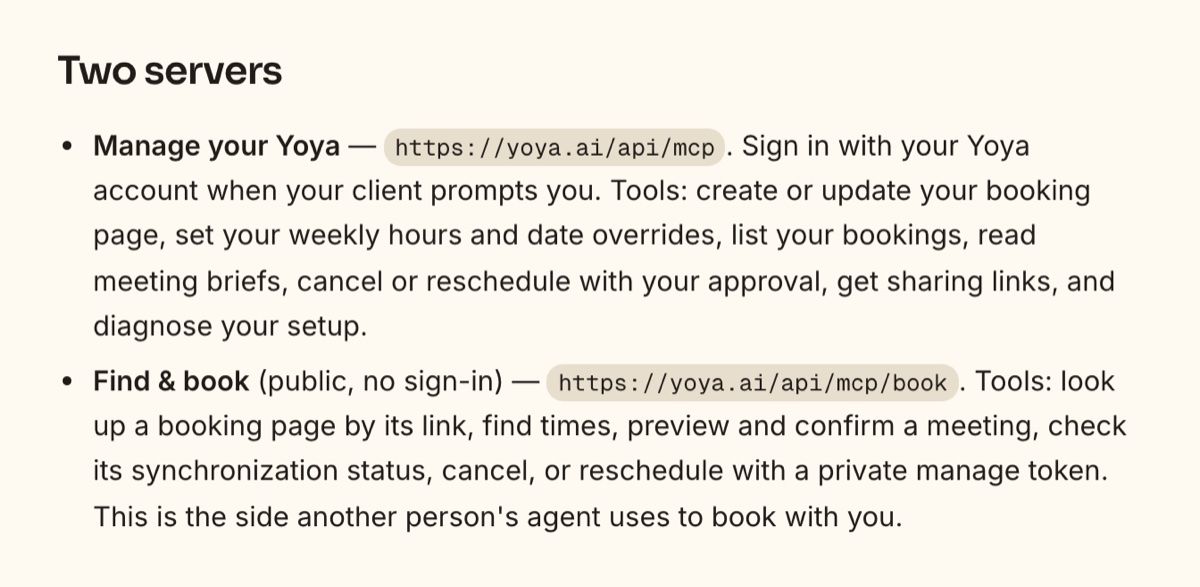
Manage your Yoya, at https://yoya.ai/api/mcp, is the host side, comparable to Calendly's server. You sign in once. Your assistant can create or update your booking page, set weekly hours and date overrides, list bookings, read the brief Yoya wrote for each meeting, and cancel or reschedule with your approval.
Find & book, at https://yoya.ai/api/mcp/book, is public and needs no sign-in. A guest's assistant uses it to:
- read a Yoya booking page from its link (
get_booking_page), including required questions and meeting options - list real open times (
list_available_times) - show the guest a summary before anything is booked (
preview_booking) - confirm the meeting once the guest agrees (
book_meeting) - check, cancel or reschedule that booking later with its private manage token
It's listed on the official MCP Registry as io.github.makloai/yoya-booking. The host's plan limits still apply, and the guest still answers the same required questions a human guest would, so an agent booking is no shortcut around your intake.
Calendly MCP and Yoya MCP compared
| Calendly MCP | Yoya MCP | |
|---|---|---|
| Who signs in | The Calendly account owner | Host side: the Yoya host. Guest side: nobody |
| Host can manage hours, links and meetings by chat | Yes | Yes |
| A guest's own AI assistant can book you | No, unless it signs in as you | Yes, through the public booking server |
| Required questions enforced for agent bookings | Through your event type settings | Yes, the same fields a human guest answers |
| Reschedule | Cancel and rebook, per Scalekit | Yes, host and guest side |
| Pre-meeting brief readable by your assistant | Calendly says Callie can prepare briefs | Yes, get_meeting_brief on the host side |
| Price | All Calendly plans | All Yoya plans, within booking limits |
| Wider product | Routing, teams, payments, Notetaker | Conversational booking page, voice, briefs |
Calendly is the bigger product with a much larger ecosystem. If your team relies on routing forms or CRM workflows inside Calendly, its MCP server is the natural add-on. The difference here is narrow and specific: which side of the meeting an assistant is allowed to act for.
How a guest's assistant books through Yoya
You don't need the guest to know anything about MCP. Every Yoya booking page has a Book with your AI button. It opens Claude or Codex with a prepared prompt that points at the public server, tells the assistant to read the page's requirements, and asks it to get the guest's explicit confirmation before booking. The prompt shares only the public booking link and the guest's time zone, and the assistant never gets host access. We cover the guest's side step by step in can ChatGPT or Claude schedule meetings for you.
For the host, setup starts from Install MCP on yoya.ai. Pick your assistant and it opens with a setup prompt, connects to the host server, and drafts your booking page with you. You approve the sign-in and the details before anything goes live.
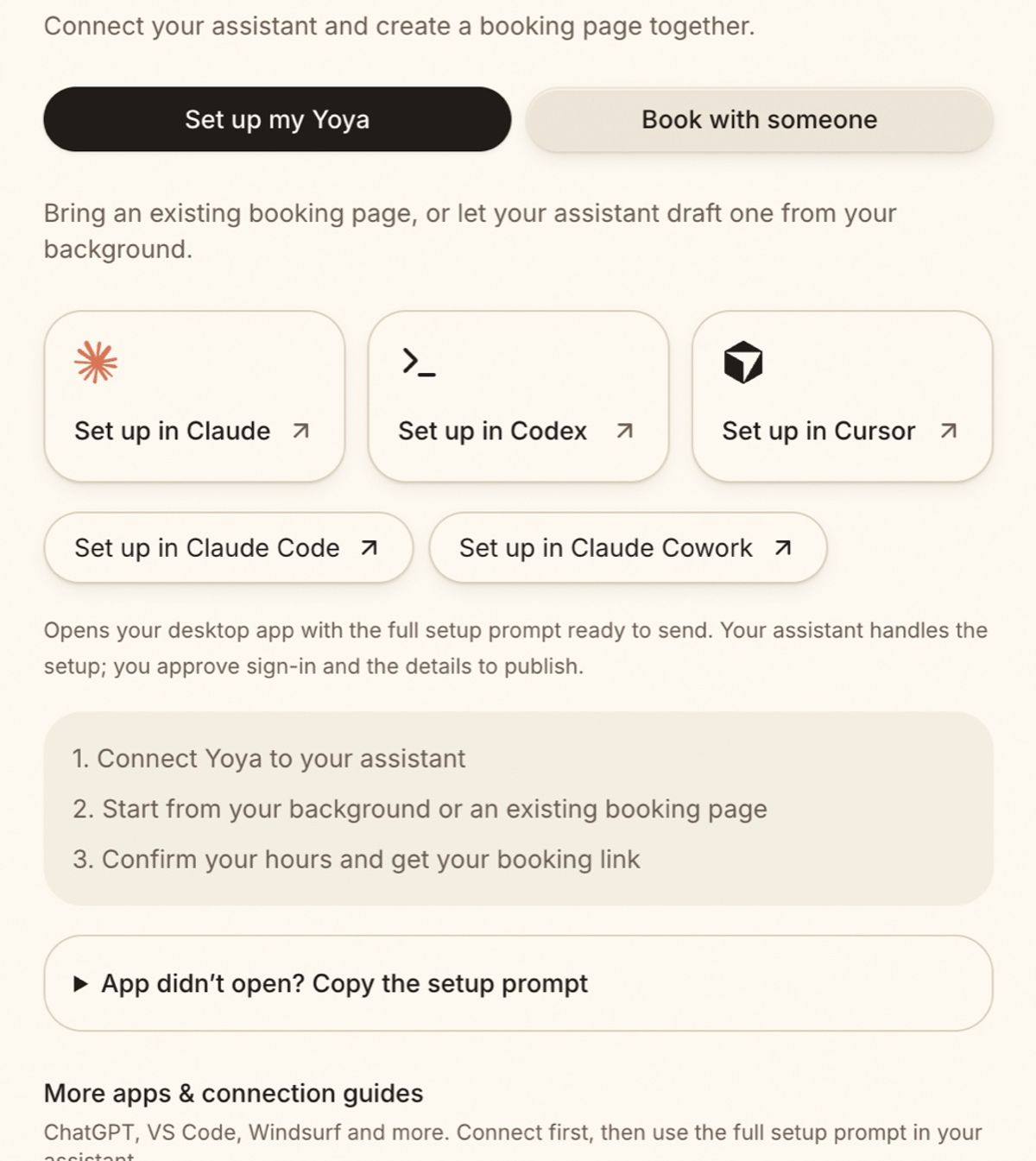
Our MCP setup guide covers Claude Code, Cursor, Codex and other clients, and how AI agents book meetings over MCP walks through a full booking.
Which one should you use?
- You live in Calendly and want to run it from Claude or ChatGPT. Add Calendly's server. It's free on every plan and does exactly that.
- You want people's assistants to book you directly. That needs a public, agent-readable booking endpoint. Yoya's Find & book server is built for it.
- You want to know who is coming before you join. Yoya writes a brief from the booking conversation, and your assistant can read it through the host server.
- You run sales routing across a team. Calendly, or a routing tool like Chili Piper, fits better today. See our Calendly alternatives guide for the full field.
FAQ
Is the Calendly MCP server free? Calendly says it works on any plan, including the free tier. Your AI client may have its own limits; ChatGPT Free doesn't support custom MCP connectors.
Can ChatGPT and Claude use Calendly's MCP server? Yes. Claude has a Calendly connector and ChatGPT has a Calendly app, and other MCP clients can connect with the server URL.
Can someone else's AI assistant book a meeting on my Calendly? Not through Calendly's MCP server, which acts for the signed-in account owner. Their assistant would have to use your booking page like a person does.
Does a guest need a Yoya account to book through Yoya's MCP server? No. The Find & book server is public. The guest still answers your required questions and confirms the summary before the meeting is booked.
Can I use Calendly and Yoya together? Yes. Some hosts keep Calendly for internal or routed meetings and use a Yoya page where they want a conversation, a brief, or agent bookings.
Ready to let other people's assistants book you? Create a free Yoya page and connect it to your own assistant in a couple of minutes.